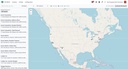
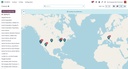
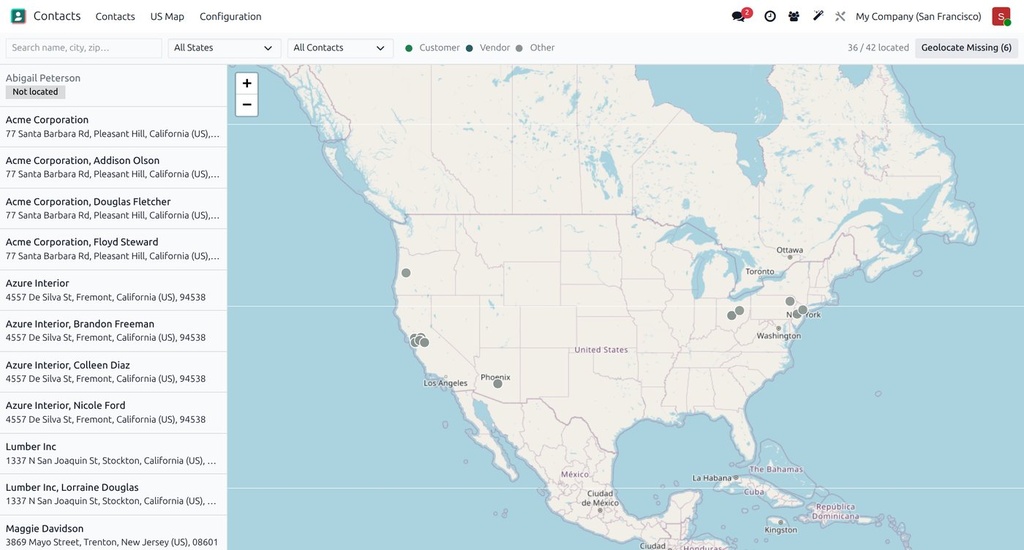
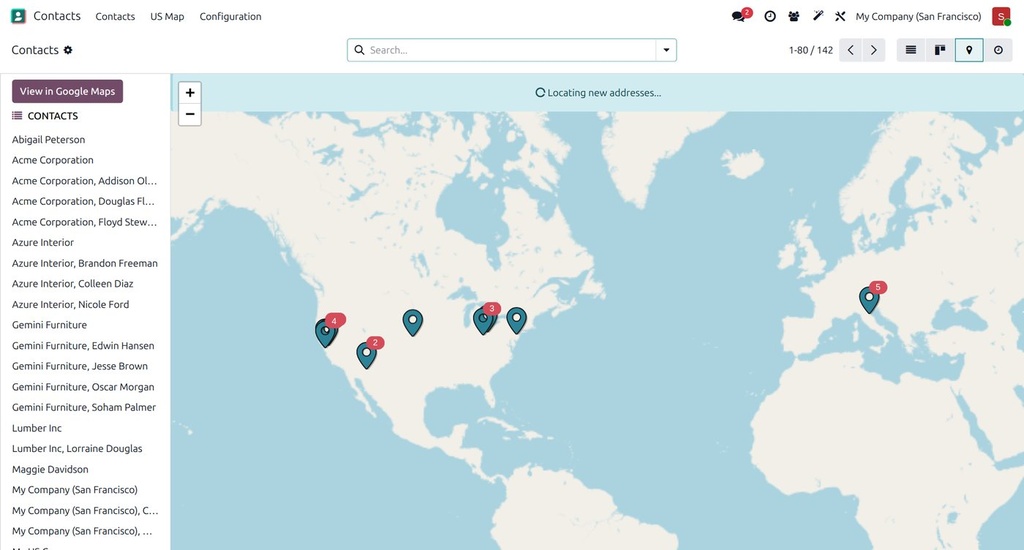
Seeing customers on a map helps route visits and spot territories. The Community version uses Leaflet and OpenStreetMap; on Enterprise, a nightly geocoder fills in the pins the standard map view leaves empty.
What it does
- US Map: a from-scratch map of contacts with US addresses, pins, sidebar list and filters; no Enterprise dependency.
- Geocoding through Odoo's base_geolocalize with OpenStreetMap.
- For Enterprise: bulk Geolocate action, a throttled nightly job that geocodes contacts missing coordinates, a richer marker popup (phone, email, city/state) and a saved US Contacts filter.
How it is used
- Install; run Geolocate on your contacts once.
- Open Contacts › US Map (or the Enterprise map view).
- Filter by salesperson, state or tag and plan visits.
Who it is for
Sales teams with field visits across the US.
Requirements: Odoo 19 Contacts. The Enterprise extras need web_map.