Odoo's online quotation signature is fine for simple cases; some customers need a signed PDF through the Sign app. This button does it in one click and links the request to the order.
What it does
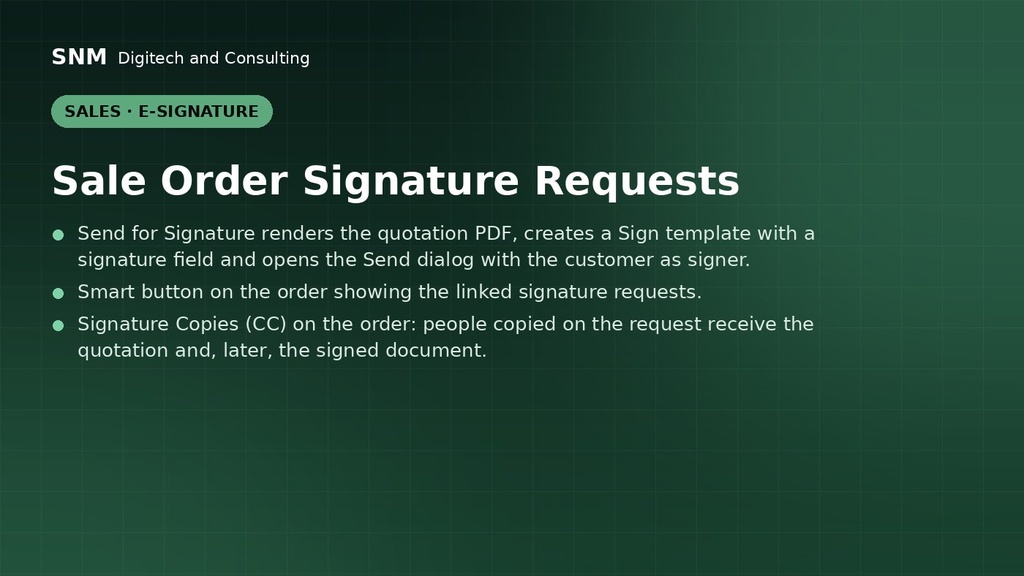
- Send for Signature renders the quotation PDF, creates a Sign template with a signature field and opens the Send dialog with the customer as signer.
- Smart button on the order showing the linked signature requests.
- Signature Copies (CC) on the order: people copied on the request receive the quotation and, later, the signed document.
How it is used
- Open a quotation, click Send for Signature, check the recipients, send.
- Follow the request from the smart button; the signed PDF is attached when done.
Who it is for
Sales teams whose customers sign formal quotations.
Requirements: Odoo 19 Enterprise (Sign app).