
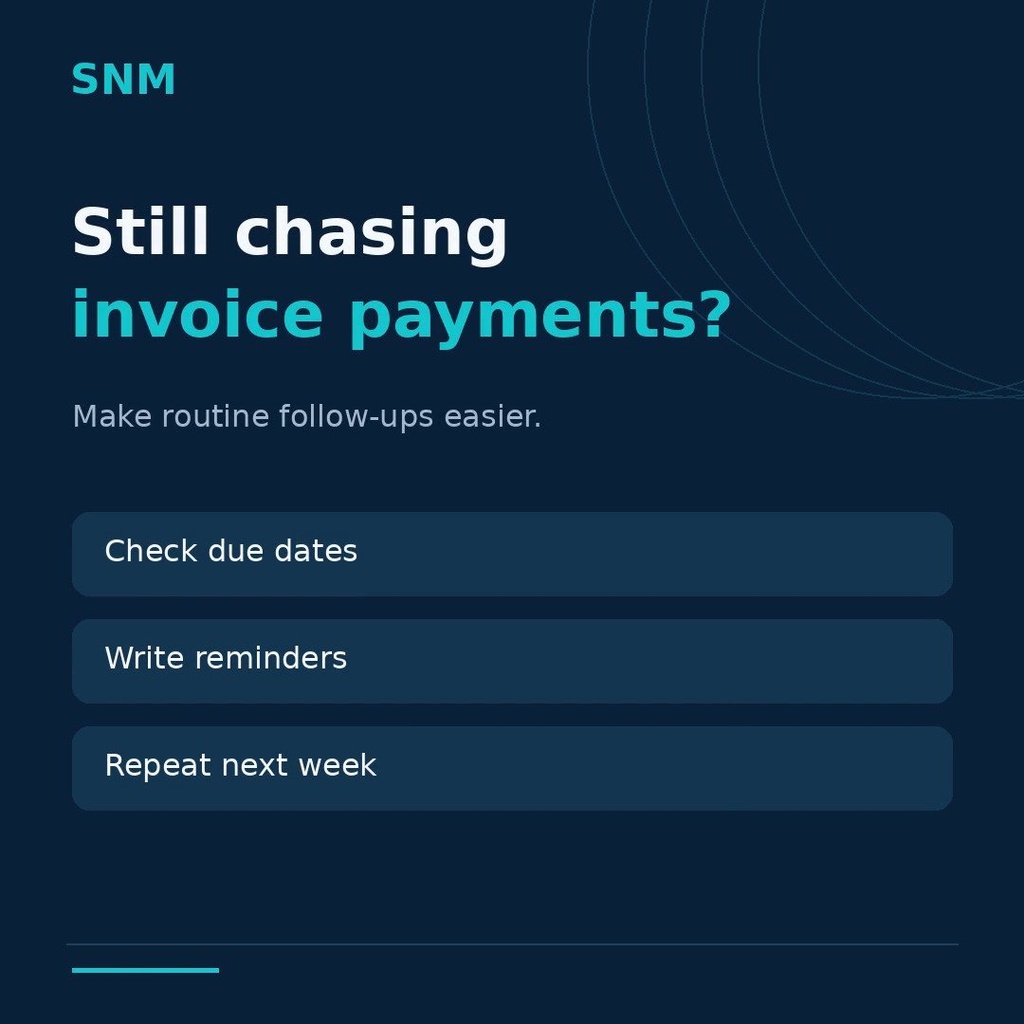
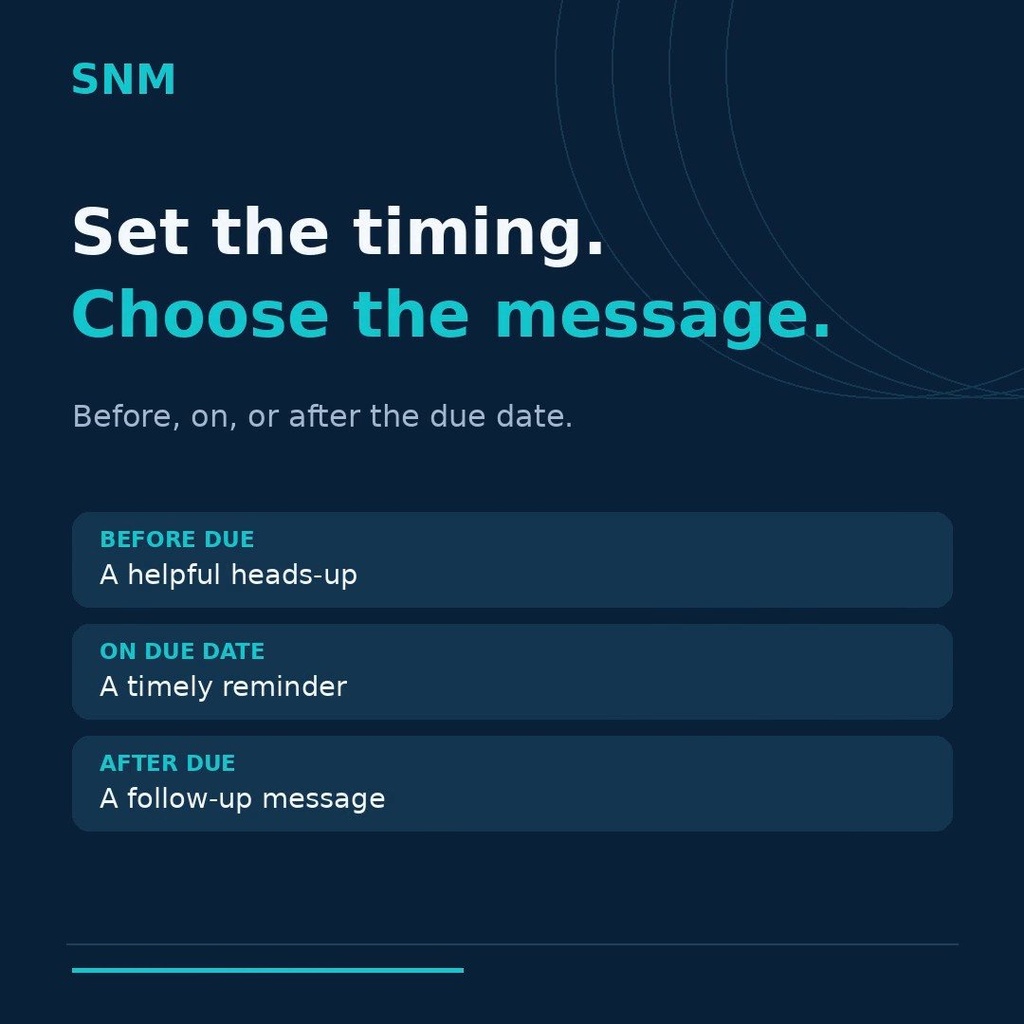
Chasing invoices is nobody's favourite job, so it happens late or not at all. This module turns it into rules: how many days before or after the due date, which template, who receives it. The scheduler does the rest and logs every send.
What it does
- Several reminder rules, for example 1 day before, on the due date and 3 days after, each with its own email template.
- Recipients per rule: the customer, and optionally the invoice followers.
- Full reminder log with sent, skipped and error status, so you can see what went out and why something did not.
- Global on/off switch and a per-invoice skip flag for customers you do not want chased.
- Stops automatically once the invoice is paid; credit note references are shown on the invoice PDF when an invoice is reversed.
- Safe scheduled job with per-rule limits and SMTP failure detection, so a mail-server outage does not flood the queue.
How it is used
- Create the reminder rules under Accounting › Configuration › Invoice Reminders, choosing days and template for each.
- Switch the feature on in Settings; the scheduled job runs every day.
- Check the reminder log to see what was sent, skipped or failed.
- Mark individual invoices to skip when a customer has a special arrangement.
Who it is for
Finance teams that send reminders by hand today, or that use spreadsheets to remember who to chase.
Requirements: Odoo 19 Accounting or Invoicing, Community or Enterprise. Uses Odoo's own email templates.