Vendor price lists arrive as spreadsheets and go stale. Vendor Costs keeps one record per product, vendor and company, shows how the cost moved, and lets you import a whole sheet with a preview of what will change.
What it does
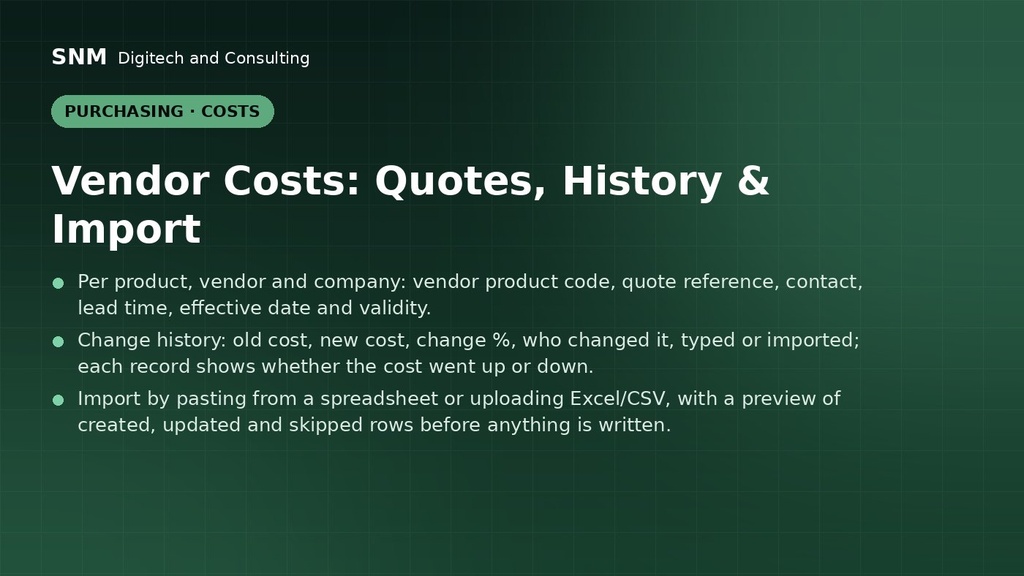
- Per product, vendor and company: vendor product code, quote reference, contact, lead time, effective date and validity.
- Change history: old cost, new cost, change %, who changed it, typed or imported; each record shows whether the cost went up or down.
- Import by pasting from a spreadsheet or uploading Excel/CSV, with a preview of created, updated and skipped rows before anything is written.
- Overview dashboard, pivot and graph analysis, stale and expired filters.
- Vendor Costs tab and smart button on products; smart button on vendors.
- Includes a performance backport that reads FIFO cost stacks in batches, so large product lists load fast.
How it is used
- Paste or upload a vendor's price sheet; check the preview; confirm.
- Open a product to see every vendor's current cost and its history.
- Use the dashboard and Cost Changes report to spot increases.
Who it is for
Purchasing teams comparing several suppliers per product.
Requirements: Odoo 19 Purchase and Inventory, Community or Enterprise.