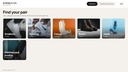
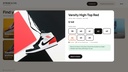
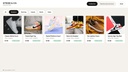
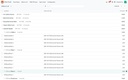
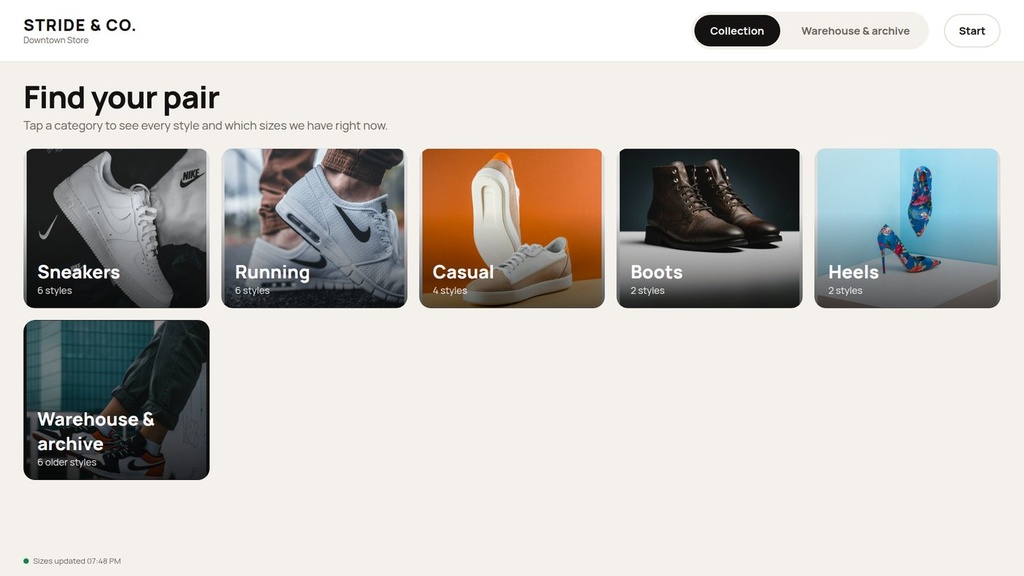
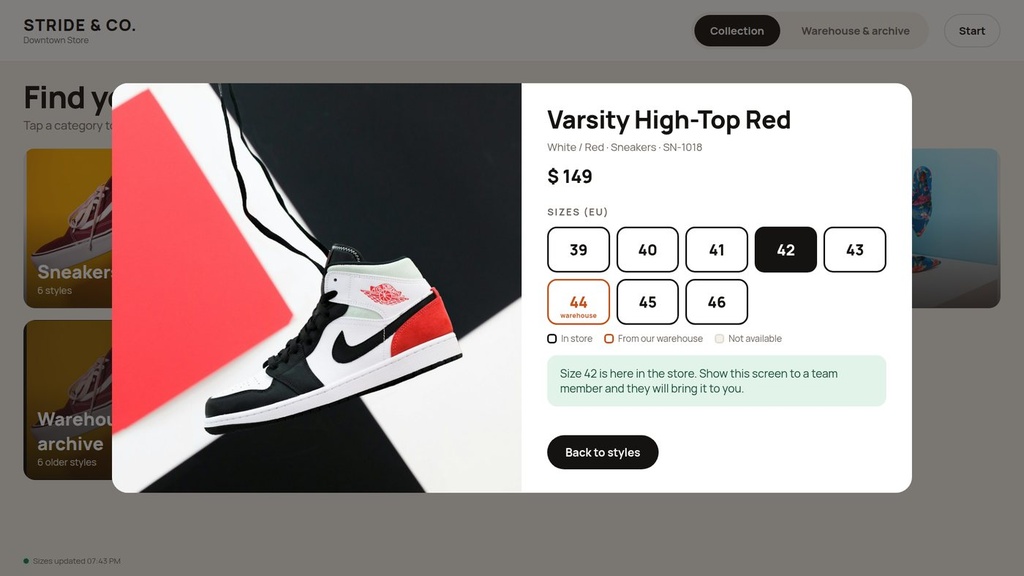
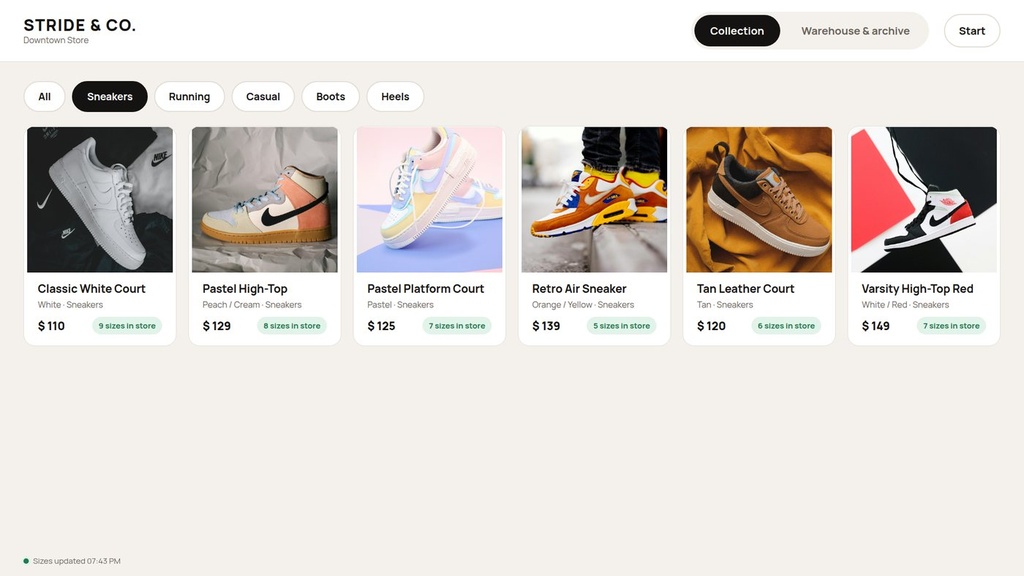
Customers browse every style on a large in-store screen, tap a size and see at once whether it is in this store, available from the warehouse or sold out. Staff manage everything in standard Odoo Inventory.
What it does
- Touchscreen catalog built for large screens: big photos, categories, instant filters, automatic return to the start screen.
- Sizes as Odoo variants; availability shown as in store / from warehouse / not available, refreshed every 20 seconds, quantities never leave the server.
- Separate Warehouse & archive section for older and discontinued styles.
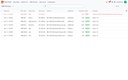
- Back office in Odoo: photos, categories, colours, real quantities and a switch that controls what the screens show.
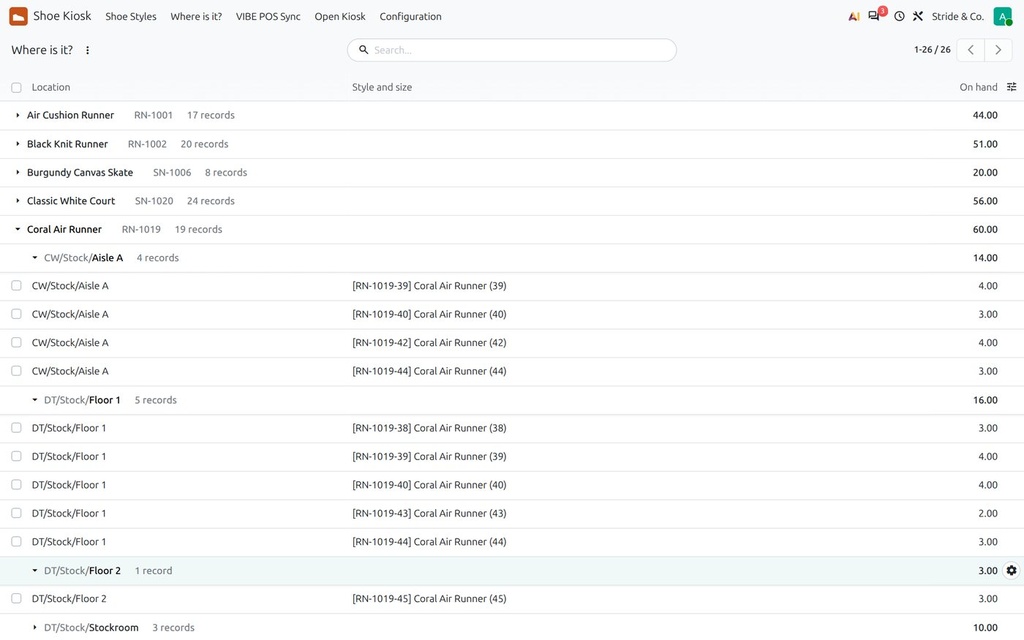
- Where is it?: every size of a style by floor, stockroom and warehouse aisle.
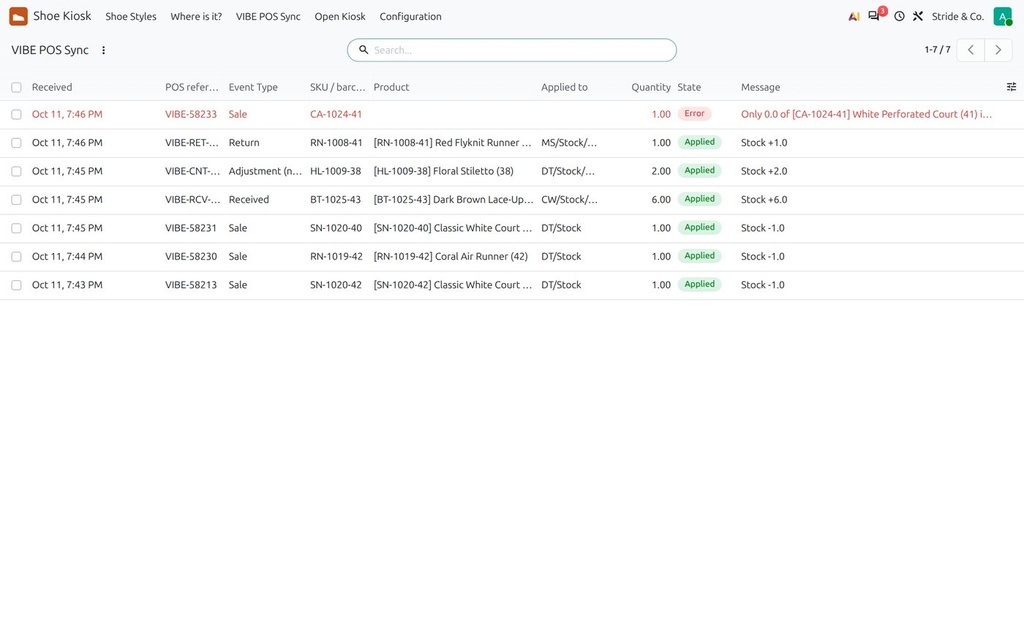
- POS sync connector: sales, returns, receipts and stock counts applied to Odoo stock, with a log and error list.
- Web-based: screens just open a browser in kiosk mode, nothing to install.
How it is used
- Set up stores, floors and warehouses as Odoo locations; import styles and sizes.
- Upload photos and switch styles on for the screens.
- Connect the POS; sales update the screens within seconds.
- Open /kiosk/<store> on each screen in full-screen mode.
Who it is for
Shoe, apparel and any retailer with sized or variant products and more than one location.
Requirements: Built on Odoo 20 Inventory; adaptable to Odoo 19 and to other product types.