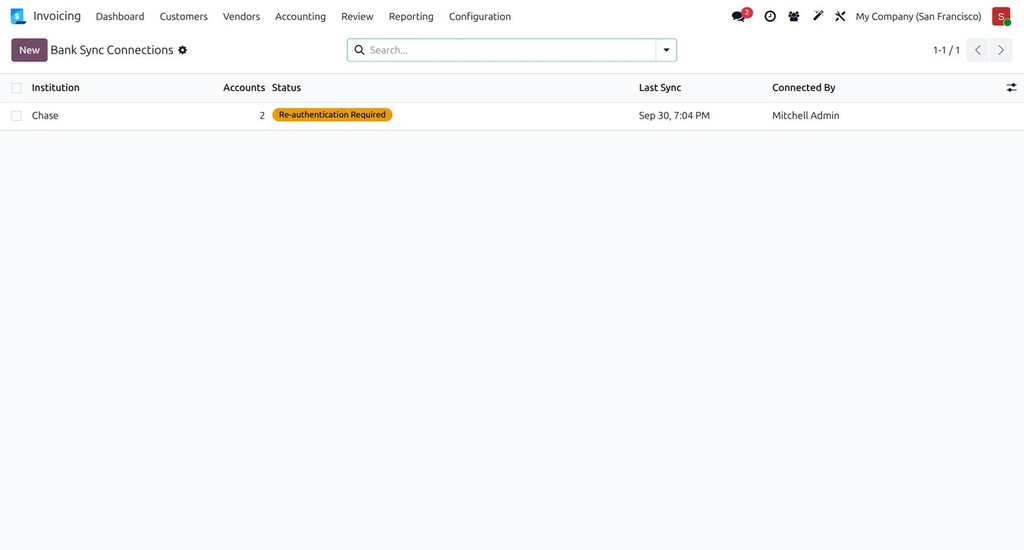
Odoo's built-in bank synchronisation is Enterprise-only. This module links your bank journals to real accounts through Plaid, the same connectivity many fintech apps use, and pulls transactions on a schedule.
What it does
- Connect a bank through Plaid Link (hosted and secure; bank credentials never touch your server).
- Map each Plaid account to an Odoo bank journal.
- A scheduled job pulls new transactions and creates bank statement lines for reconciliation; Sync Now per connection.
- Handles re-authentication when a bank asks for it.
- Sandbox or production Plaid credentials set in Settings.
How it is used
- Create a Plaid developer account and enter the credentials in Settings.
- Accounting › Bank Sync › Connect a Bank, log in to your bank through Plaid Link.
- Map accounts to journals; transactions start arriving automatically.
Who it is for
US and Canadian companies on Odoo Community that reconcile by importing files today.
Requirements: Odoo 19 Accounting (Community or Enterprise). Plaid charges apply per their pricing.