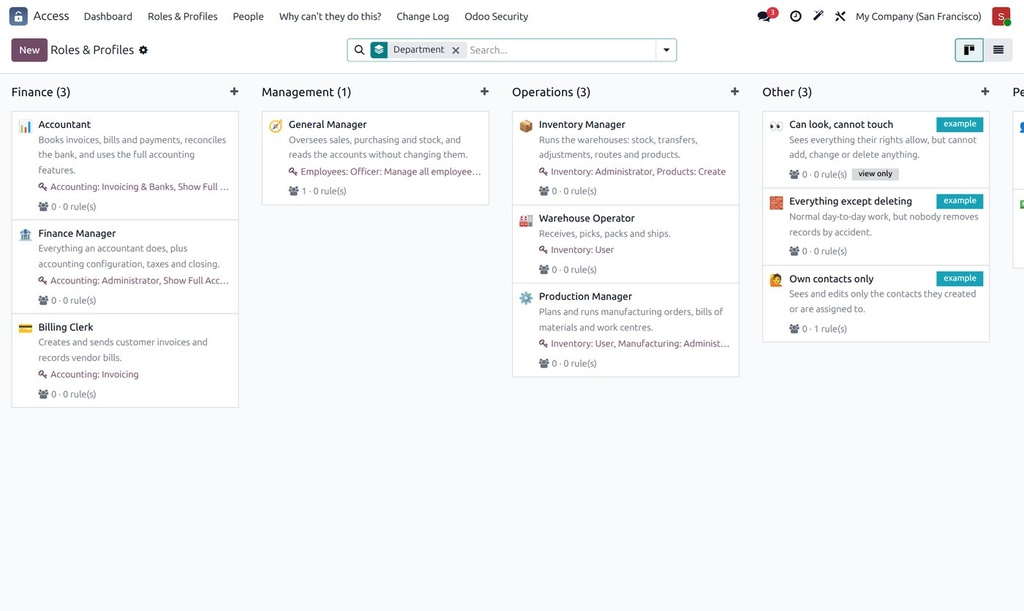
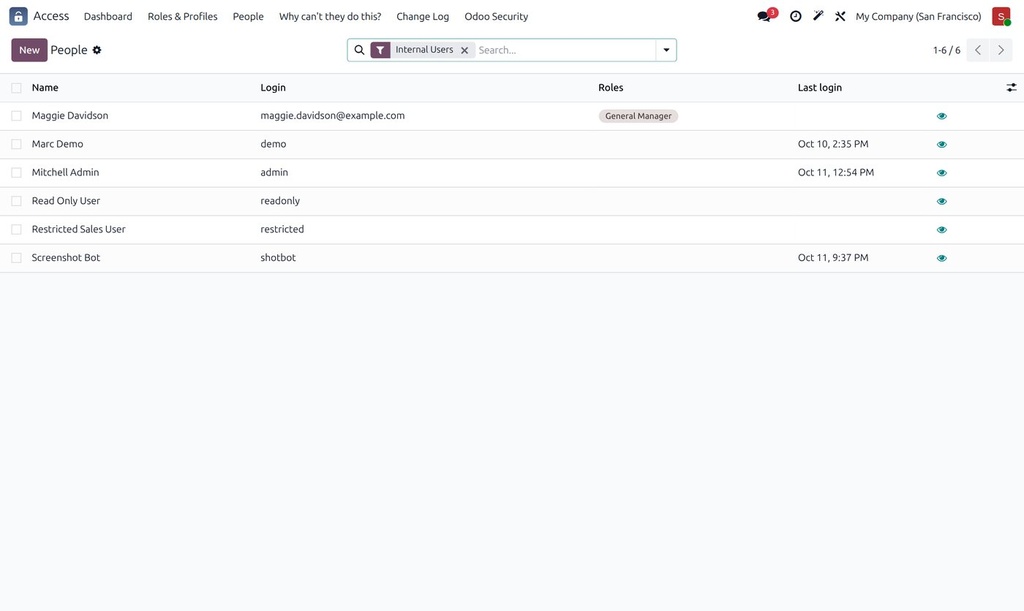
Odoo's groups, menus, access rights and record rules are powerful but technical. Access Manager puts a layer on top that speaks your organisation's language, so a manager can see and change who may do what without reading XML.
What it does
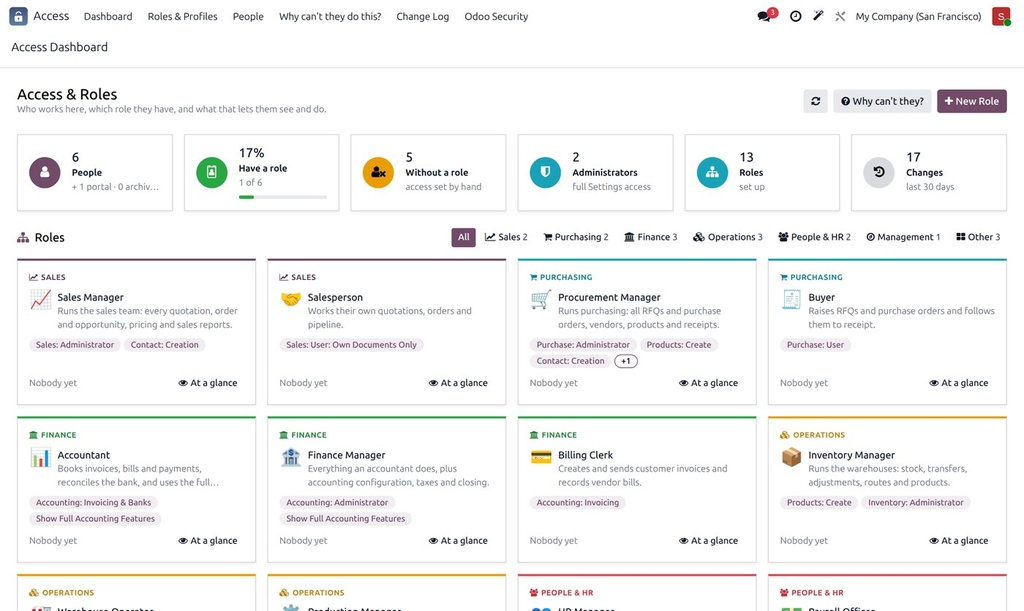
- Organisation roles (Sales Manager, Procurement Manager, Accountant, Warehouse Operator and more), each granting the right Odoo groups; give a person a role instead of ticking groups.
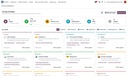
- Access dashboard: people, roles, administrators, people without a role and recent changes, grouped by department.
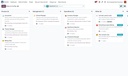
- At a glance: exactly which apps, menus and records a role or a person can see and do, before you assign it.
- Restrictions per profile: hide menus or fields, make records read-only, limit what can be created, changed or deleted.
- "Why can't they do this?": pick a person and a record and get the reason in plain words.
- Change log with undo, and self-protection so an administrator cannot lock themselves out.
How it is used
- Install; thirteen ready-made roles are created for the apps you have.
- Open Access › Dashboard, assign roles to people, adjust a role's groups if needed.
- Use At a glance to preview a role before handing it out, and the change log to review or undo changes.
Who it is for
Companies with more than a handful of users, where access is set by hand today and nobody is sure who can see what.
Requirements: Available for Odoo 19 and Odoo 20 (the Odoo 20 version is built on its new ir.access model). Community or Enterprise.